Meyton ShootMaster Software Version 6.0
ShootMaster 6.0: Now Available
New Key Features of the Latest Version
The new version 6.0 of the ShootMaster software includes extensive innovations that our developers have been working on tirelessly to continuously provide you with new features and improvements. A central development focus for this version was adapting the software to the 2026 ISSF rule changes, featuring the new final rules for 10m Mixed Team, 25m Rapid Fire Pistol, and 50m 3 Positions. In parallel, the display programs in the Display Controller and Display Manager have been revised to visually enhance the new finals with medal icons and optimized table views.
For improved training analysis, the option to display a performance curve as a line chart has been integrated into the evaluation module. The range of targets has also been expanded: the "AR Winter Time" and "AR Stars" targets are now also available with outward scoring. For the "AR Easter" and "AR Winter Time" targets, a new variant with 2/1 scoring (fully within the object = 2 points, touching the border = 1 point) has been integrated. ESTA Mobile users also benefit from improved target visualization, which now supports targets with background images (e.g., AR Easter) as well as animal targets featuring buffalo, elk, mouflon, and chamois.
Patch 6.0.1
An issue in ESTA5 Mobile has been resolved that prevented the target visualization from loading correctly when the 'Display->Status Icons' option was disabled.
Prize Shooting
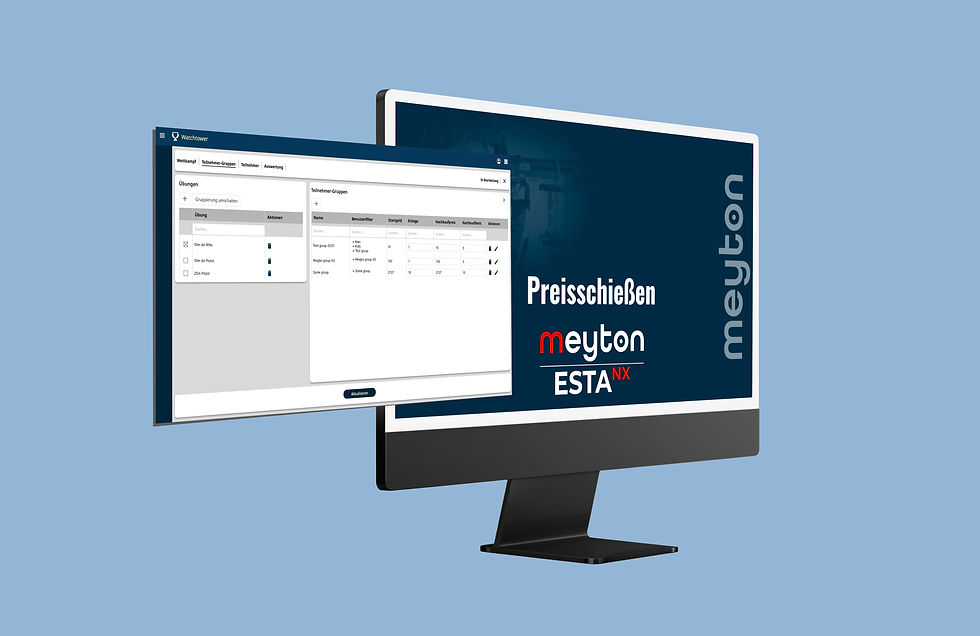
Pure POS / register items can now be created in the prize target setup window, which can be used, for example, to bill ammunition sales or other items.
Optimized the layout of the general event data window during prize shooting setup to ensure complete display on lower-resolution screens.
Competition Control
Added a function to delete entire series.
In the lane assignment window via shooter list, shooters with existing results can now be highlighted in color within the list.
Create Discipline
Excess (invalid) shots within a series in dynamic disciplines (e.g., during series repetitions) are no longer exported to DAVID21.
Adjusted the lane number display for disciplines with more than one shooter per lane.
It is now configurable which information should be displayed in the lane log.
Hardware errors (hardware log) are now also displayed in the lane log.
Evaluation
Adapted to ISSF rule changes featuring new finals starting from 2026.
Added a function for the chronological display of a shooter's results as a line chart (performance curve).
Revised the CSV export for rankings. The data exported to the CSV file now depends on the selected evaluation mode.
Added the "RPO" (Ranking Points Only) footnote. Athletes with this footnote are ignored when determining final participants.
Shooter Lists
Improved the sorting of disciplines in the window for creating league and round competitions.
When exporting shooter lists in "Meyton Text Format", the shooter's association and nation are now also exported.
A complete overview of all changes can be found in the Release-Notes.
Installation Notes for openSUSE Linux
Supported Versions:
To install ShootMaster Software 6.0, you require one of the following openSUSE Leap versions:
15.3
15.4
15.5
15.6
Not supported: Older versions such as 12.1, 13.2, 42.2, 15.0, 15.1, or 15.2.
→ Recommendation: Use openSUSE 15.6 for optimal compatibility.
Important Notes:
ISO File Download: For openSUSE 15.5 or 15.6, please do not use the official openSUSE website. Background:openSUSE provides updated installation files that are not compatible with the ShootMaster software.
Upgrading from Older Versions: If you are running an unsupported version, upgrade the operating system prior to installation.
Database Backup Required:
Back up your database via the Meyton Control Center.
Copy the backup to a USB flash drive.
Install the new openSUSE version as well as the new ShootMaster software.
Restore the backup from the USB flash drive.
Further Information & Downloads:
ISO files, fresh installation guides, and instructions for database backup are available in the Meyton Download Portal (login required).